Reports
Reports provide detailed, tabular data (Excel format) that complement the visual charts. They are essential for deep-dive analysis and finding specific problem areas.
In the same manner as indicators and map indicators, reports are also organized into various pages dedicated to specific indicators (like Household Enumeration). These pages usually follow semantic relationship or perhaps grouping of artefacts by exercise/data source
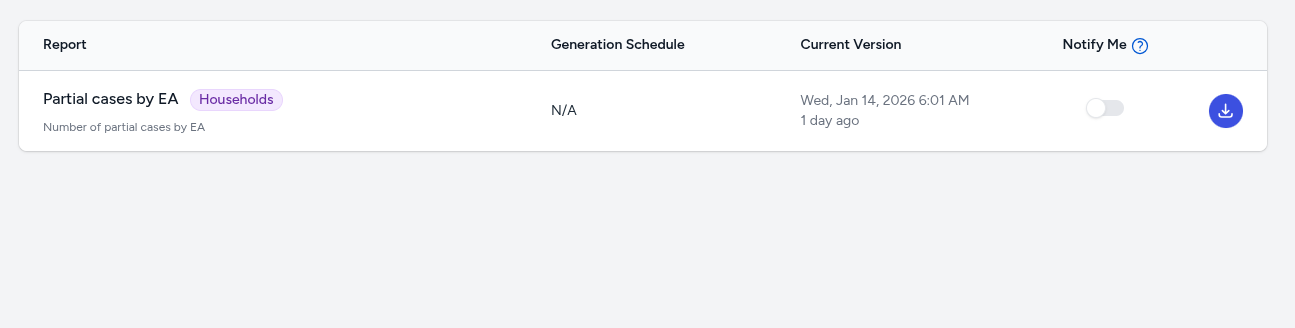
Reports are generated on a preconfigured schedule and are made available for download from the Reports page. In addition to seeing all the relevant details of the reports, users can download the report as an Excel file. They can also request to be notified when a new report is available. The notifications will arrive via two channels. Email and in app messages (bell icon on the nav bar)
Some example reports you are likely to see might be:
- Partially Completed Cases by EA
- EAs with zero enumeration
- Enumerator Performance Report